

Real-time seating management is the capability to alter seat assignments, open overflow tables, or reallocate entire attendee groups from a centralized database with instantaneous updates across every check-in station and on-site hospitality tablet. Instead of relying on static spreadsheets or printed seating rosters that degrade the moment a local change occurs, a synchronized architecture pushes every modification to all active event nodes. This guide details the technical infrastructure and on-site operational workflows required to manage dynamic seating assignments during high-capacity corporate conferences without causing bottleneck queues, staff miscommunication, or executive friction.
The Inherent Failure of Spreadsheets and Paper Rosters at Door Open
In corporate event environments, floor plans and table allocations are frequently finalized only hours before registration opens. Operational reality routinely forces alterations right up to the final minute. When event managers attempt to handle seat assignments using standalone spreadsheets or paper printouts, instant version divergence occurs: the event planner retains an updated spreadsheet on a laptop, corporate account managers text seat changes via messaging apps, and entrance hostesses consult printed rosters that are already obsolete.
This lack of a synchronized state engine creates three major operational bottlenecks:
- Contradictory Information at Entrance Stations: A guest is guided to Table 4 based on an entrance printout, unaware that the client executive reassigned them to Table 12 fifteen minutes earlier in an unshared document.
- Drastic Throughput Reductions: When check-in staff must manually cross out names with pens or search across disconnected PDFs, check-in duration per attendee jumps from 4 seconds to upwards of 30 seconds. To evaluate the exact staffing and terminal ratios needed to handle guest arrivals under real conditions, operators should evaluate how to calculate event check-in stations to account for anticipated peak-load latency.
- Zero Visibility into Real-Time Table Capacity: Disconnected tools offer no consolidated overview of unoccupied chairs. Event directors cannot identify genuine vacancies required to accommodate unregistered walk-in executives or last-minute VIP delegations.
Real-Time Synchronization Architecture: The Underlying Data Pipeline
To support zero-latency concurrent updates, an event seating engine cannot rely on traditional HTTP polling cycles. Polling introduces network overhead, drains mobile tablet batteries, and creates sync lag that leads to race conditions at registration desks.
Modern event infrastructure utilizes persistent, bidirectional network communication built on the WebSockets protocol under RFC 6455. When an authorized production manager updates a seating layout in the administrative dashboard, the change publishes as an event message over a centralized publish-subscribe (Pub/Sub) message broker, instantly fanning out to every authenticated client application running on on-site terminals.
Offline-First Architecture for Unreliable On-Site Networks
Convention halls, subterranean hotel ballrooms, and temporary outdoor venues consistently present physical obstacles to wireless connectivity, including RF interference from dense crowds and complete gateway drops. A production-ready real-time seating management system must be architected with an offline-first foundation, leveraging client-side persistence via the browser IndexedDB API.
Under this design pattern, each seat modification, check-in validation, or manual table assignment is written directly to the local IndexedDB storage on the client device before network transit. An asynchronous background sync worker monitors network availability. When connectivity resumes, local mutations are replayed against the central database.
To resolve state conflicts—such as when two disconnected staff members assign different walk-in guests to the exact same vacant seat—the system utilizes deterministic conflict resolution. The engine evaluates server-verified transactional timestamps, confirms the earlier local mutation, invalidates the conflicting write, and immediately delivers a non-blocking toast alert to the second terminal operator so they can assign an alternate seat.
Managing Frictionless Dynamic Seating Updates at the Check-In Desk
The practical test of an event seating engine happens when extensive structural changes are pushed immediately prior to or during the check-in rush. The contrast between traditional manual handling and an event-driven system is stark:
| Operational Component | Traditional Manual Process | Real-Time Synchronized System |
|---|---|---|
| VIP Table Reallocation | Cross-checking printed lists across all terminals, manual pen edits, radio chatter | Dragging the attendee entity to the target table on the administrative canvas; immediate websocket broadcast across all terminals |
| Guest Notification | Re-printing physical badges or issuing verbal apologies at the entrance station | Automatic rendering of the updated table number upon scanning the guest's QR code or badge |
| Dietary Requirement Tracking | Manually cross-referencing allergen spreadsheets against physical seating cards | Automatic binding of vegan, kosher, or allergen attributes directly to the target seat coordinate |
| Live Capacity Auditing | Physical headcounts inside the dining hall by on-site floor coordinators | Digital capacity gauges displaying real-time claimed, occupied, and open seats per zone |
Ensuring that all terminals and handheld scanners read from the identical operational state is critical before admitting thousands of attendees. Conducting the three mandatory checks before doors open confirms that network handshakes, local caches, and credential privileges are properly synchronized across every entrance node.
Role-Based Access Control and Seating Allocations
Corporate summits and enterprise galas feature rigid seating hierarchies: executive board tables, enterprise sponsor seating, and general professional spaces. To protect critical seating arrangements from accidental modification by frontline staff, the platform implements granular Role-Based Access Control (RBAC).
Production leads retain master permissions to alter, lock, or merge VIP zones. Conversely, desk hostesses and greeters are restricted to read-only access for locked executive zones, with editing permissions limited to open seating clusters and general admissions. This architectural segregation ensures that reserved seats designated for key client stakeholders are never erroneously overridden or given away to early-arriving attendees.
Post-Event Reconciliation and Stakeholder Reporting
For event agencies and enterprise operations teams, post-conference wrap-up requires transparent reporting to the client organization. When all table shifts, guest arrivals, and physical reallocations are recorded sequentially in an event-sourced audit log, manual reconciliation becomes unnecessary.
The system enables production teams to generate an instant event attendance report for clients that includes exact table-by-table occupancy percentages, arrival velocity curves broken down by attendee tiers, and comprehensive lists of no-show seats. This automated transparency eliminates administrative overhead for on-site managers, confirms contractual seating deliverables for sponsors, and builds measurable confidence with corporate sponsors.
To discover how modern, synchronized seating technology can be deployed for your organization's upcoming conference or corporate summit, contact our technical production team for a complete architectural review.
Common questions
What happens if the venue loses internet connectivity during a seating change?
Because the system is engineered around an offline-first architecture using local browser storage, terminals continue scanning guests and displaying table assignments uninterrupted. Seating modifications made locally are queued in an outbound persistence log. The moment the venue connection re-establishes, the queue replays against the primary server and synchronizes state across all other on-site terminals.
Does an attendee receive an automated alert when their table assignment changes?
Yes. When an administrator reassigns an attendee in the dashboard, the central database records the update instantly. When the guest's QR code is scanned at the entrance, the scanner terminal displays the newly assigned table immediately. The system can also trigger an automated SMS or push notification directly to the guest's mobile device reflecting the updated seating.
How many staff members can update seating arrangements simultaneously?
There is no theoretical limit to concurrent operational users. The distributed data layer uses deterministic timestamp conflict resolution to prevent double-booking. If two operators attempt to place different attendees into the same specific chair within the same millisecond, the initial validated transaction commits, and the second operator receives an immediate system notification prompting them to pick an alternative seat.
Can event managers designate overflow tables for unregistered walk-in guests?
Yes. Operators can designate dedicated overflow tables or reserve specific seat quotas at general tables for walk-ins. When an unregistered guest arrives at the check-in desk, frontline staff can assign them directly into these open slots through their terminal, with the system enforcing predefined capacity limits and updating remaining room availability across the entire venue in real time.
From the blog
Keep reading
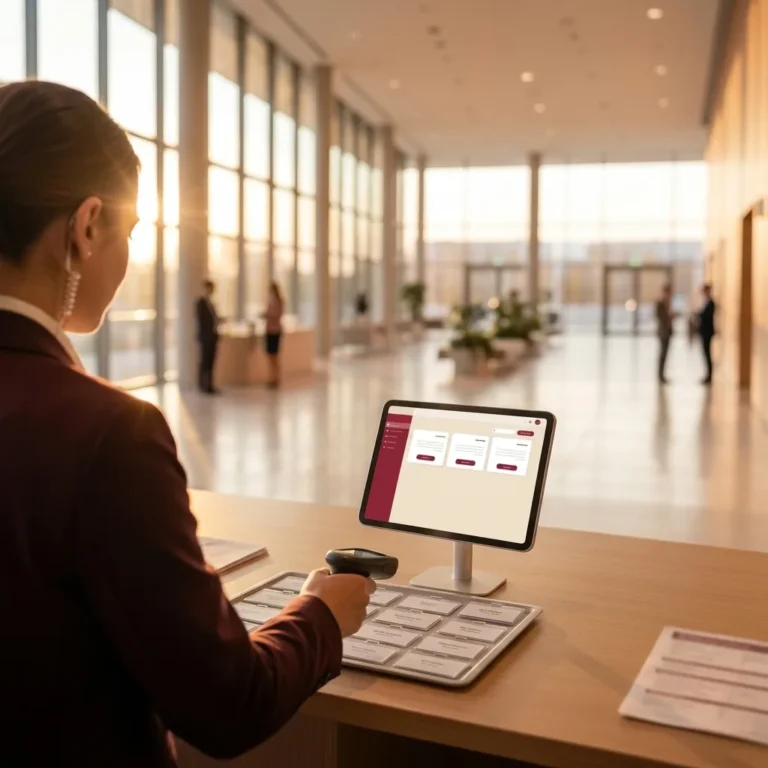
Conference Check-In Management: 3 Operational Principles for Zero-Queue Entry
Master conference check-in management with role-based desk setups, local-first offline sync, and strict change control to eliminate guest bottlenecks.
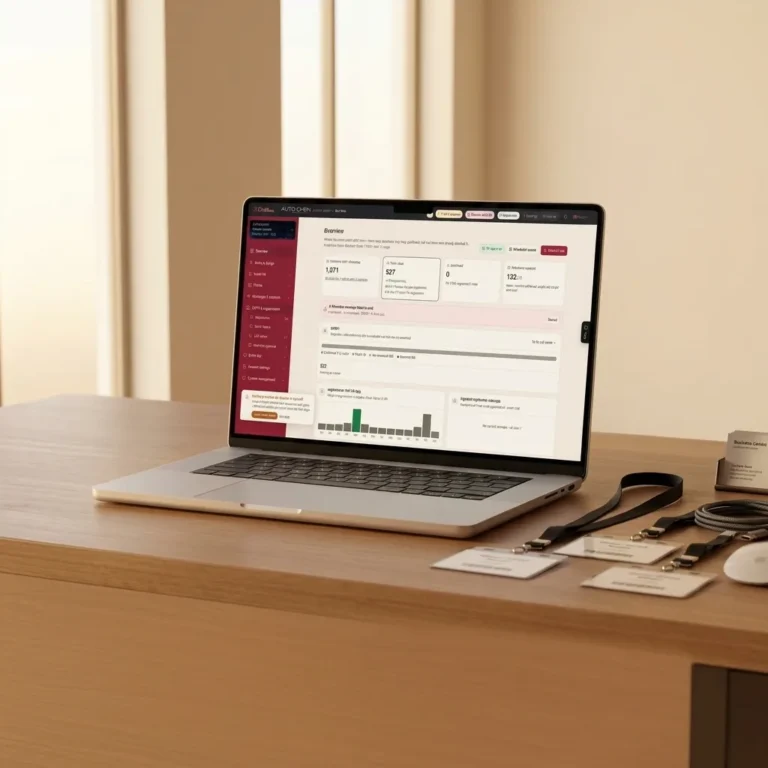
Branded Event Registration System: White-Label Control Without Monthly Fees
Deploy a white-label branded event registration system with pay-per-message pricing. Streamline RSVP tracking, guest QR codes, and entry operations.
Guest List Freeze: How to Manage Last-Minute Changes in Corporate Events
Learn when to enforce a guest list freeze for corporate events, how to handle last-minute attendee updates, and how cloud sync prevents check-in failure.