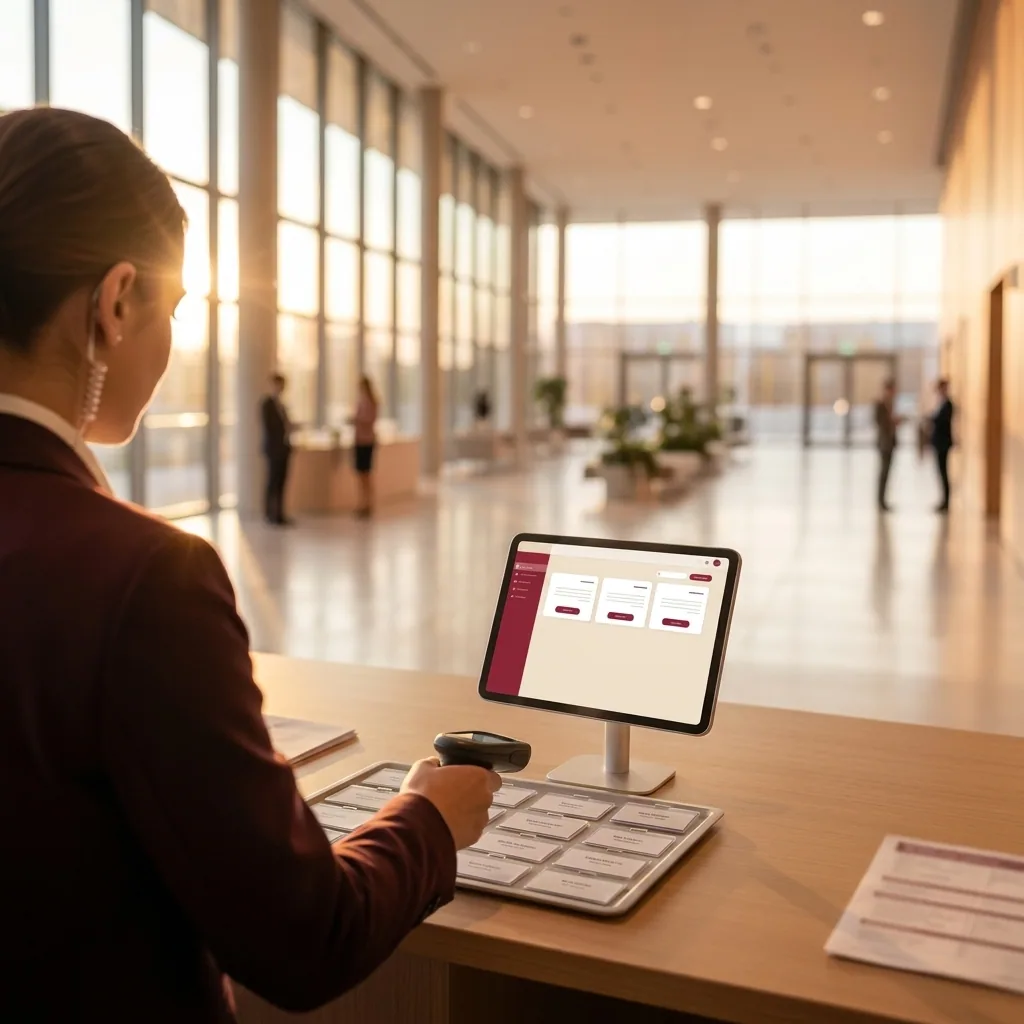
Conference Check-In Management: 3 Operational Principles for Zero-Queue Entry
Master conference check-in management with role-based desk setups, local-first offline sync, and strict change control to eliminate guest bottlenecks.

Master conference check-in management with role-based desk setups, local-first offline sync, and strict change control to eliminate guest bottlenecks.
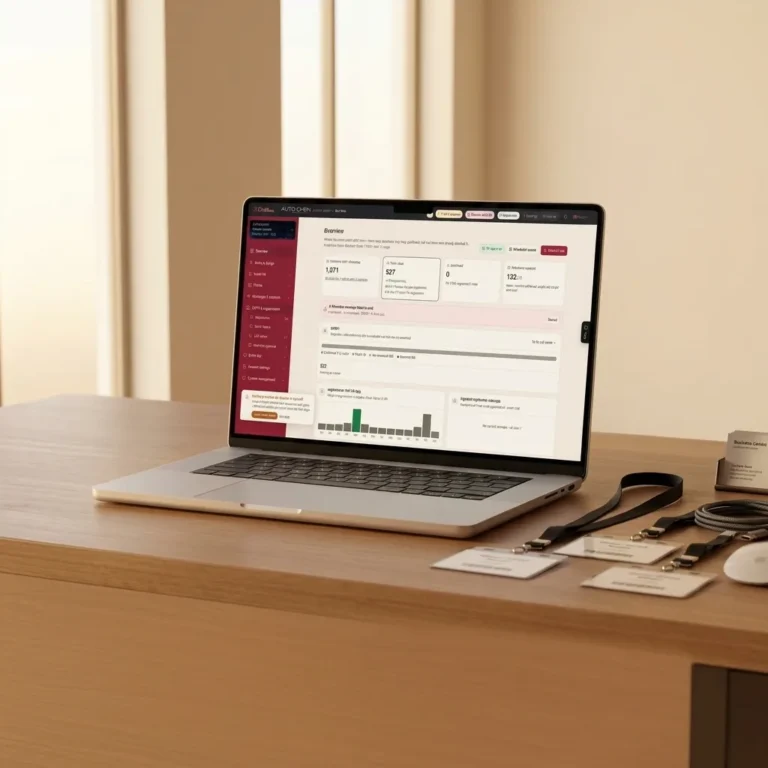
Deploy a white-label branded event registration system with pay-per-message pricing. Streamline RSVP tracking, guest QR codes, and entry operations.
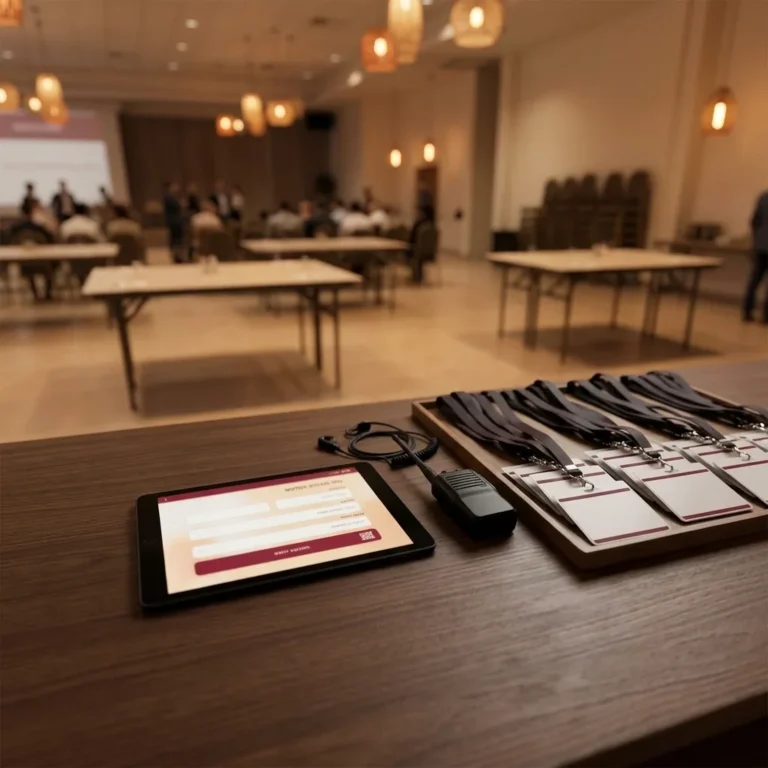
Learn when to enforce a guest list freeze for corporate events, how to handle last-minute attendee updates, and how cloud sync prevents check-in failure.

Deploy real-time attendance tracking and zoning across event gates. Learn how offline-first sync, access control, and dynamic capacity prevent bottlenecks.

Capture dietary needs, workshop tracks, and parking permissions directly in WhatsApp RSVPs to eliminate event-day friction and reduce coordination costs.
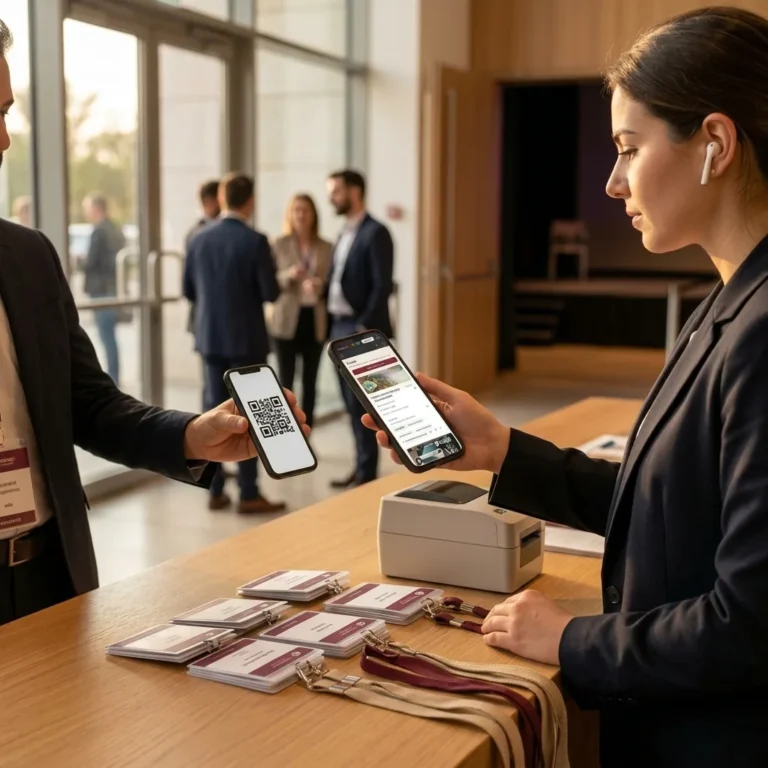
Streamline conference check-in with dynamic QR codes, automated RSVP reminders, and real-time attendance tracking to eliminate venue entry bottlenecks.
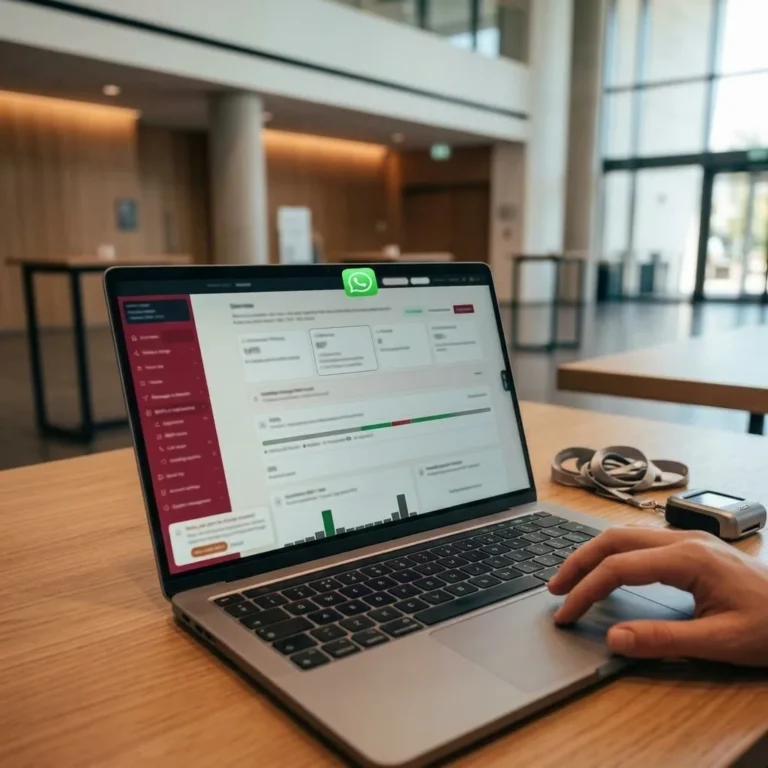
Choose the right event ticketing system. Compare fee models, offline QR check-in speed, dispute prevention, and real-time attendance analytics.

Discover how to collect photos from guests at events using QR codes and web uploads, preserving high resolution without forced app downloads.
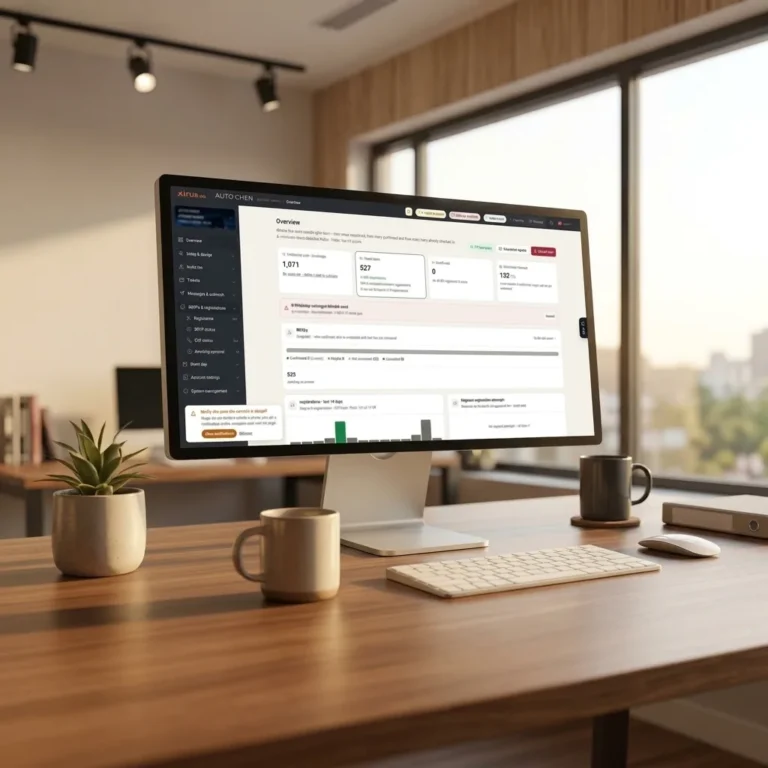
Deploy digital invitations for corporate events: automate RSVPs, WhatsApp delivery, calendar sync, and dynamic QR codes for smooth check-in.
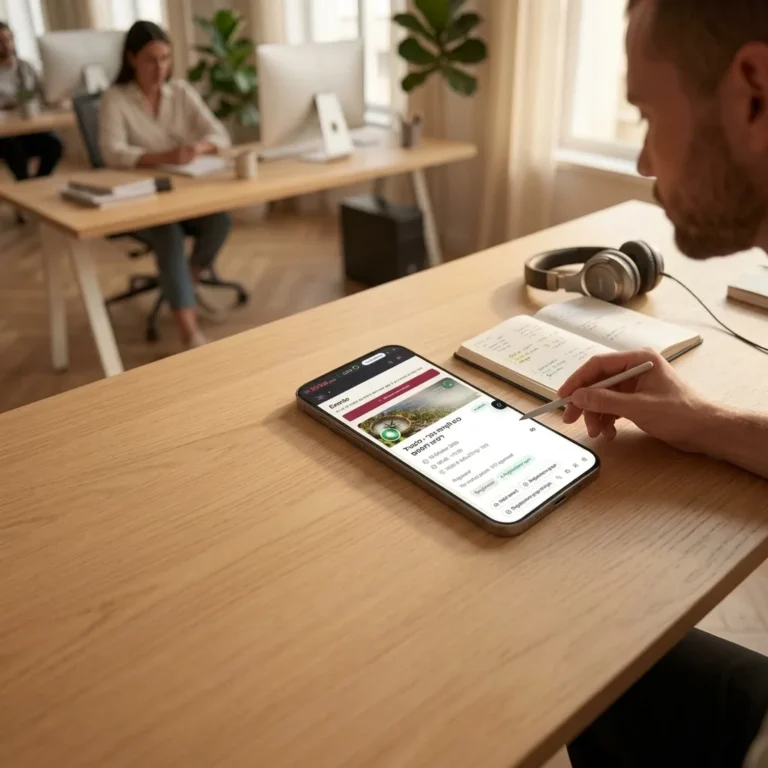
Streamline wedding RSVP automation using WhatsApp Business API. Eliminate call centers, secure accurate headcounts, and sync catering commitments.

Discover how real-time seating management eliminates check-in queues, syncs live table changes via WebSockets, and prevents seating errors at large events.
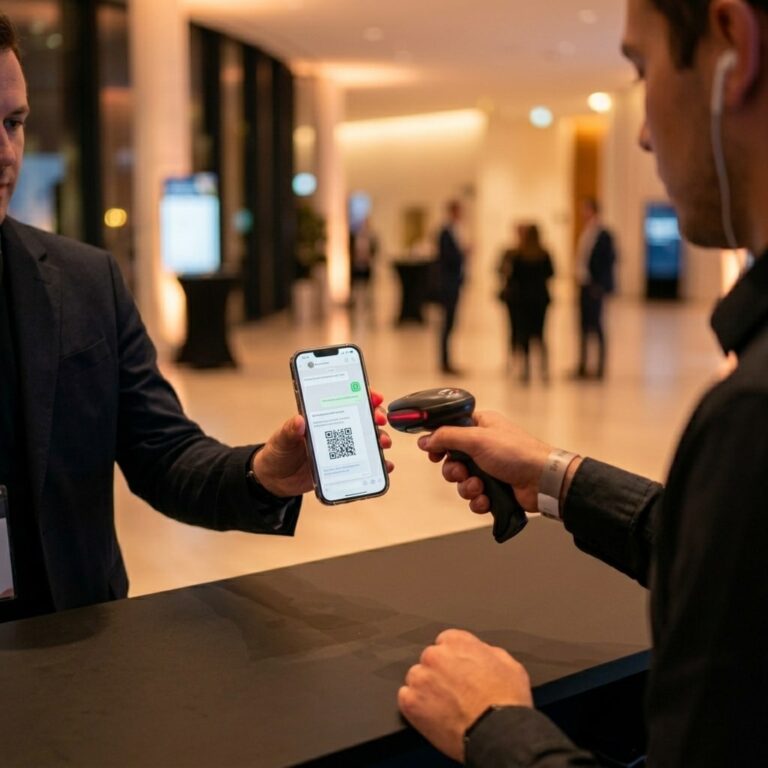
Eliminate event check-in queues by automating guest registration and ticket delivery via WhatsApp with secure QR codes for fast, real-time access control.
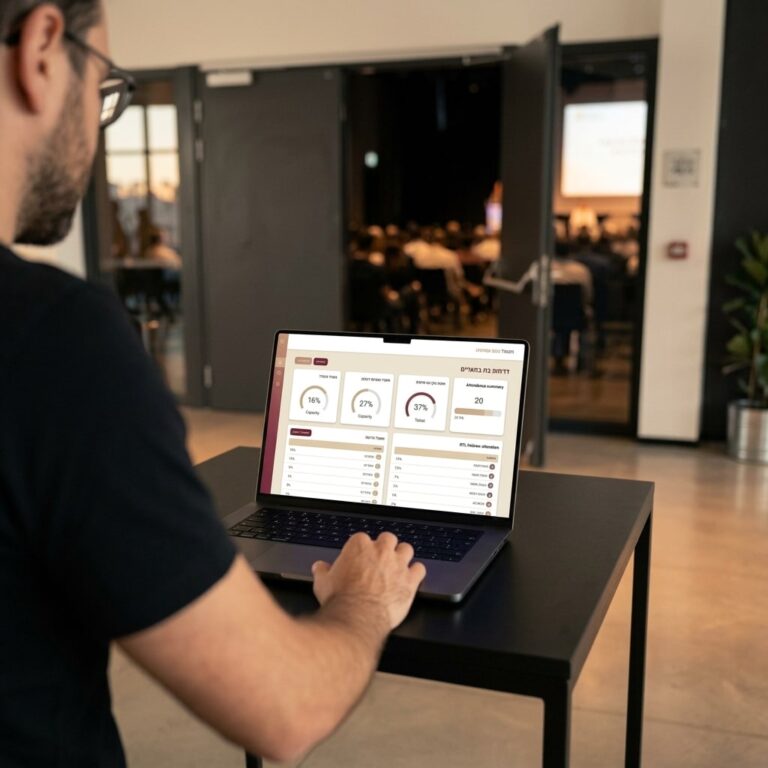
Generate an instant event attendance report with real-time cloud check-in sync. Eliminate manual spreadsheet cleanup and deliver branded client metrics.